On this page
Requests and Deliverables
A single request can specify the source material, the work to be done, and the file to deliver.
Describe the work
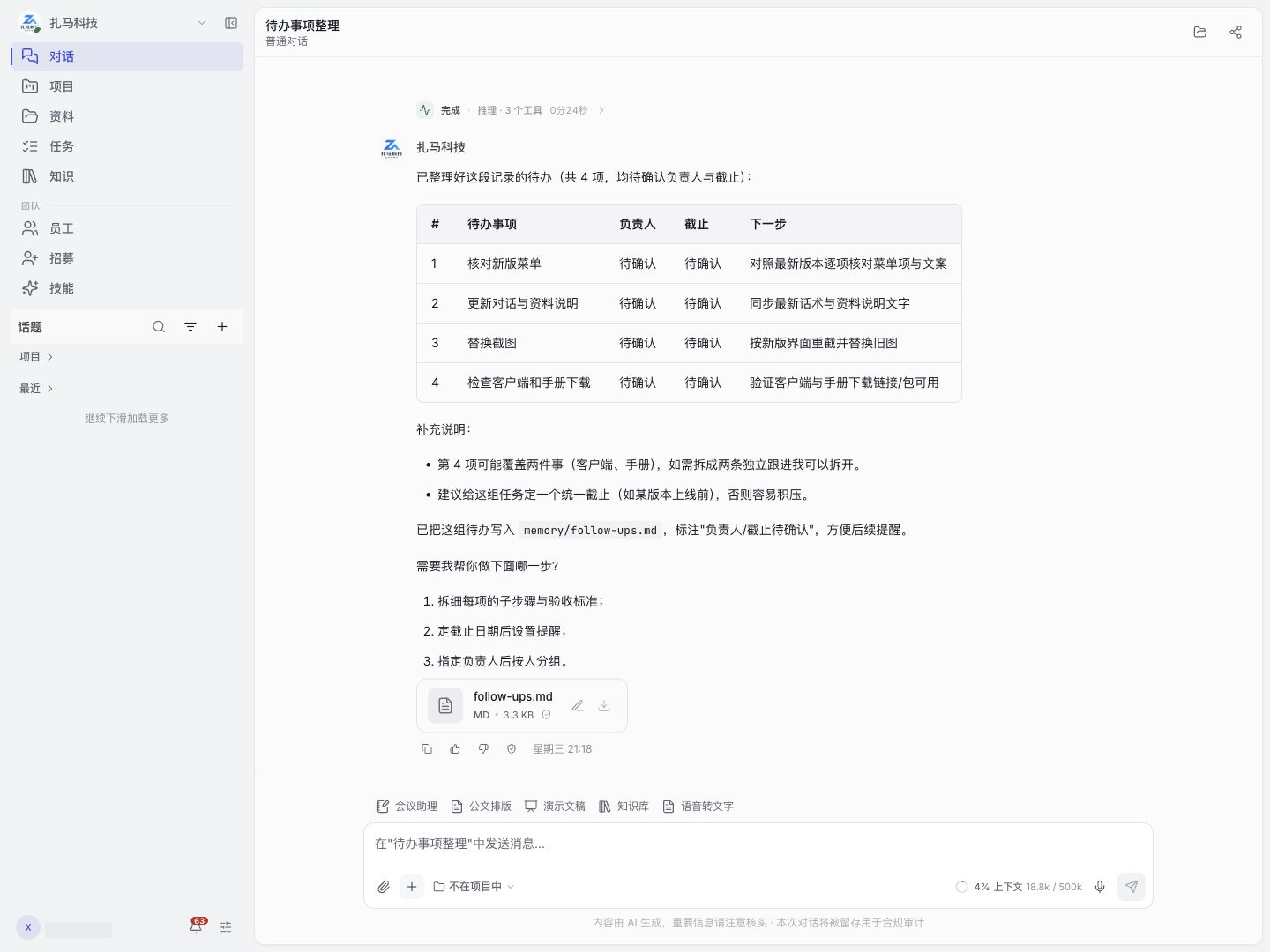
Extract action items from these meeting notes and list the task, owner, and deadline for each. Mark missing values “To be confirmed” and save the file as “会议待办.md”.
If you only need the notes organized, add: “Include only work explicitly stated in the notes. Do not add recommendations.”
Verify the result against the source
- Open the delivered file and compare it with the source material. Check for omissions and verify amounts, dates, names, and citations. Any new assessment made by the digital employee should have evidence, and calculations should be reproducible.
- Before handing it over, open the file in the recipient's software and check tables, pagination, formulas, and charts.
If the reply contains only a filename or says “Done” without a file you can open, ask the digital employee to provide the file.
Limit the scope of revisions
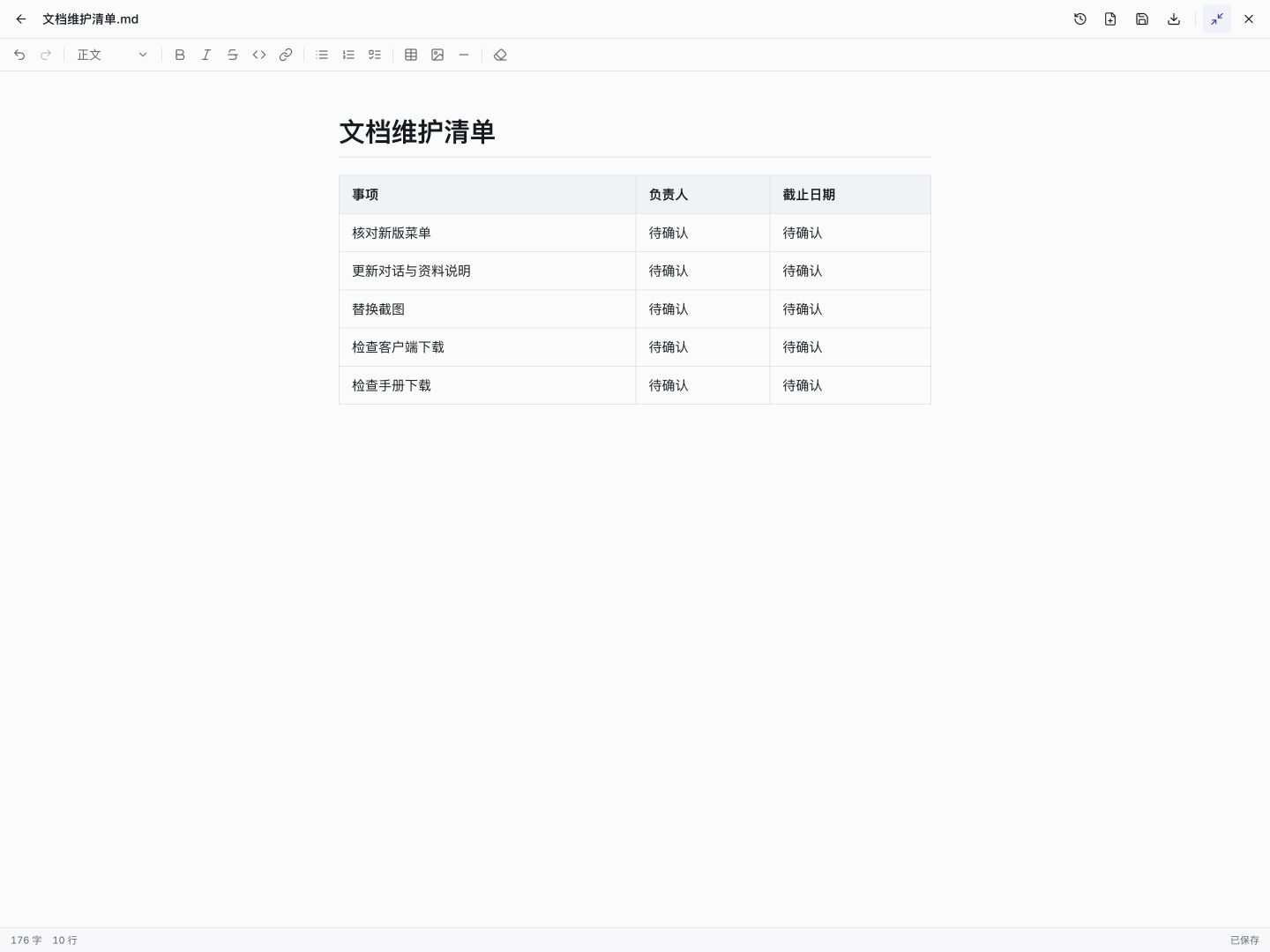
Keep the four existing items. Split “Check downloads” into one item for the client and one for the manual. Leave everything else unchanged.
If the digital employee edited the wrong file, specify the target filename and version. Avoid creating files with the same name across multiple topics.
For the workflow and file commands, see Chat and Deliverables.