On this page
Authorize Task Execution
When a task involves sending externally, deleting, overwriting, changing permissions, or incurring a charge, specify the target and allowed scope in the request and retain any required confirmation.
Set the scope first
State what to work on. For example: “Organize only the uploaded records. Do not send them to anyone.” “Take care of everything” does not authorize external messages, bulk writes, or broader access.
Check the scopes for file sharing, project membership, and tool connections separately. Give the task access only to the materials and tools it needs.
Keep passwords, keys, and tokens out of chats, screenshots, and skill packages.
Monitor execution
- Open the activity for the reply and check the tool, target, and current progress.
- When the system asks for authorization or confirmation, read the scope and specific effects of the action.
- If the target is wrong, the scope increases, or the action repeats, ask to stop and check what has already been done.
Stopping a request cannot undo messages or writes already accepted by an external system. Check for existing results before retrying a failed action to avoid duplicate records or notifications.
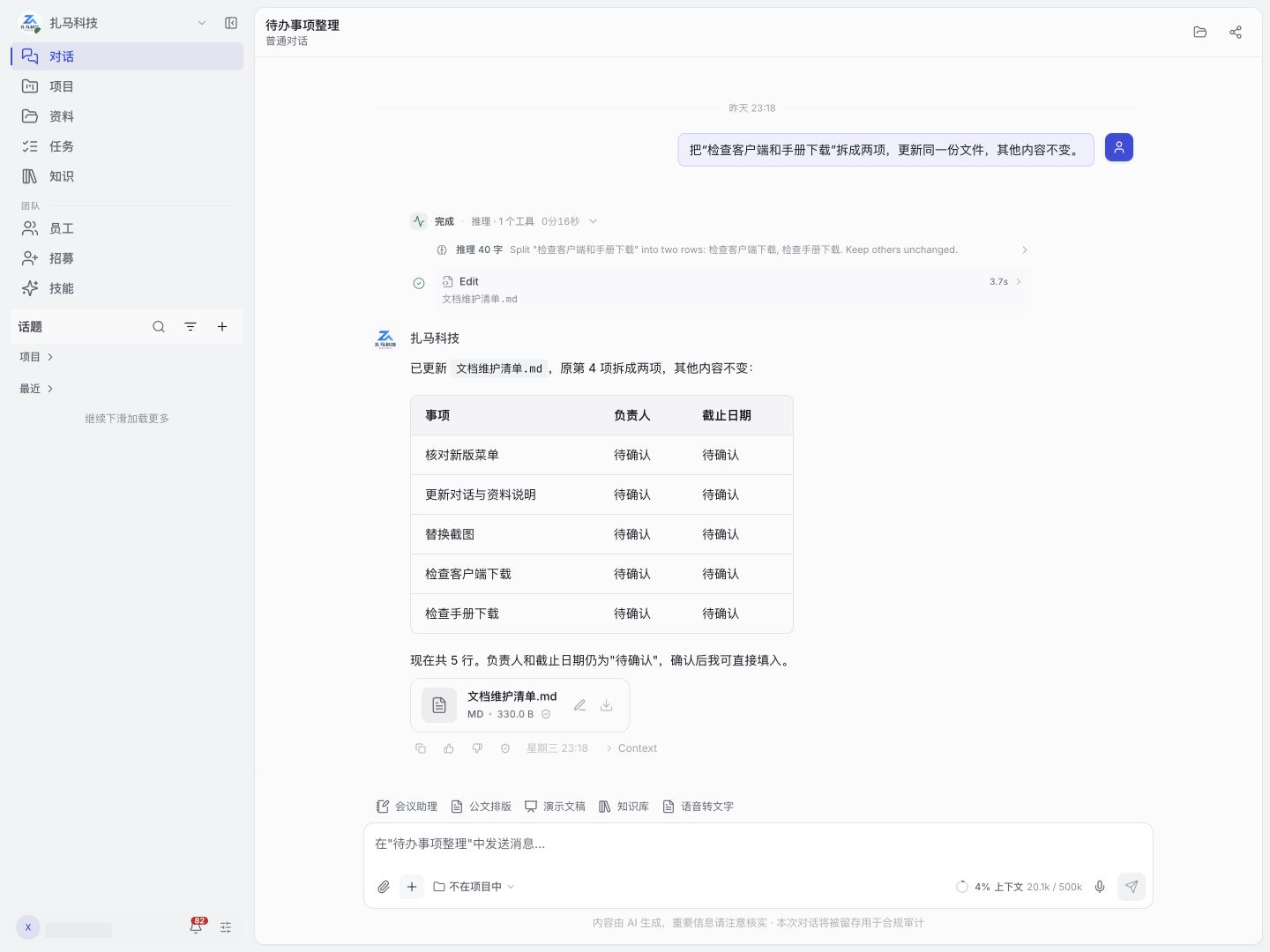
Keep evidence that can be checked
Remove sensitive information before reporting a problem. Include the topic, execution time, and exact error. Attach relevant files for file tasks. For writes, include the resulting record from the target system.
For digital employee configuration and access rules, see Employee Console and Permissions and Identity.