On this page
Reuse Digital Employee Capabilities
When a working method needs to be used repeatedly, a skill maintainer can capture it in a skill that digital employees can call.
Test existing capabilities first
Have an existing digital employee handle the task once. If the output format varies, fields are missing, or a tool can't run, the digital employee manager uses those results to decide whether to fix an existing skill, add a skill, or check the tool connection.
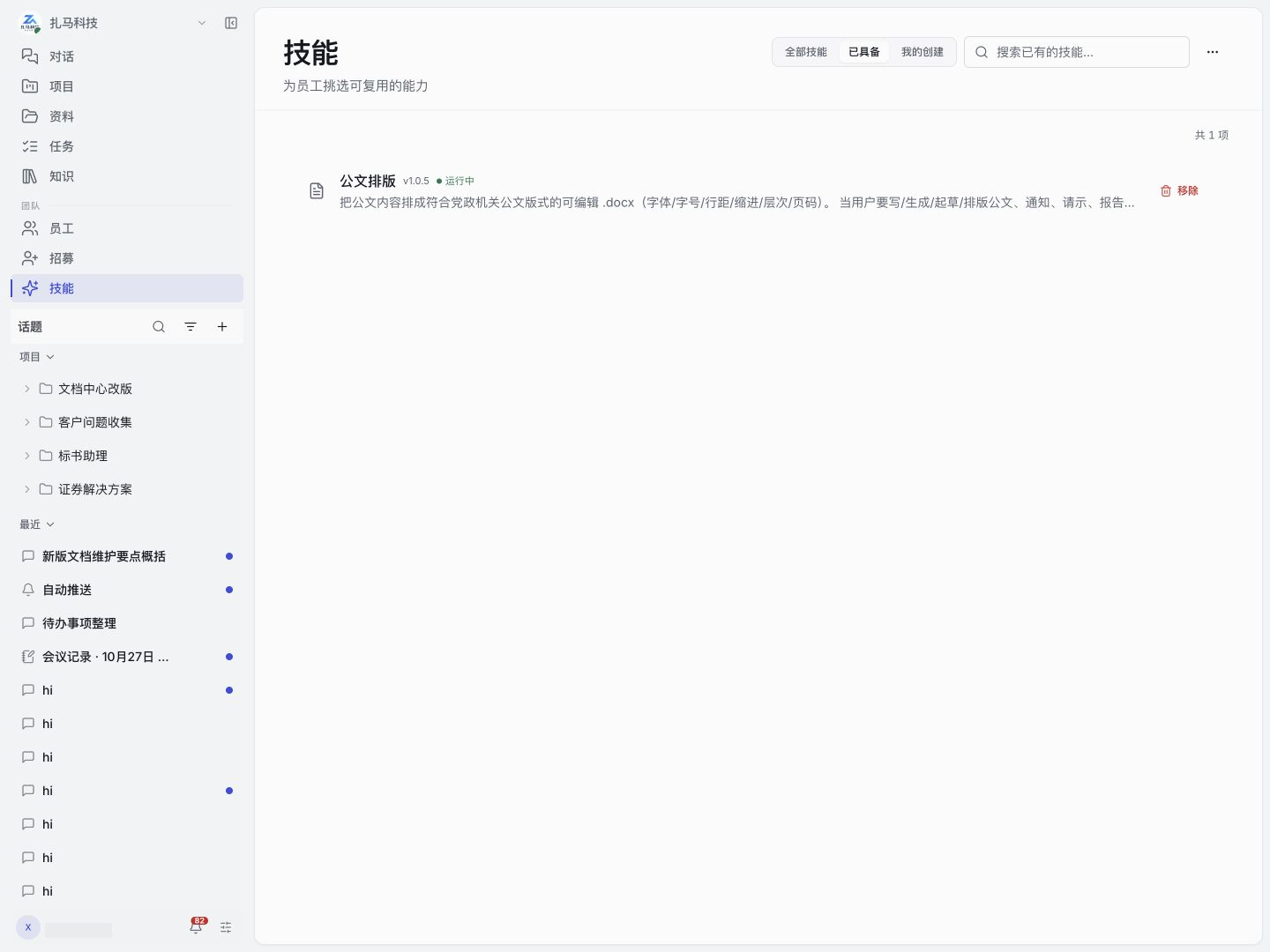
Select a skill
- In Skills, find a skill for the task. Check which platforms it supports and follow the skill instructions to prepare tool credentials and grant access to the material.
- In the chat composer, open Add → Skills and select the skill for the current request. Run the original task again, compare the output, and expand the activity to see what was called.
- If the method is useful for ongoing work, follow the link below to have someone with installation permission install the chosen version on the target digital employee. If submitted for review, wait for the decision. After installation, check that it has synced to the runtime. Run a new task to check whether it calls the skill.
Note
Skills do not grant tool credentials or access to materials. Selecting a skill for one request does not add it to Already has (已具备), and does not require prior installation.
For installation steps, see Skills.
Maintain the working method
Skill maintainers document:
- Responsibilities, inputs, steps, outputs, and error handling.
- File names, formats, saving and delivery, and how to check that the files exist.
Remove slogans and long prompts that do not affect results, and retain the previous version and verification materials before upgrading. After changing tools, dependencies, or permissions, rerun tasks that previously tended to fail.